Hello, friend!
I had a problem using a single database for all my apps—it didn’t work well. Once, one of my apps failed because of this setup. I searched on Google and found information about High Availability, which is like load balancing for servers.
My Journey with High Availability
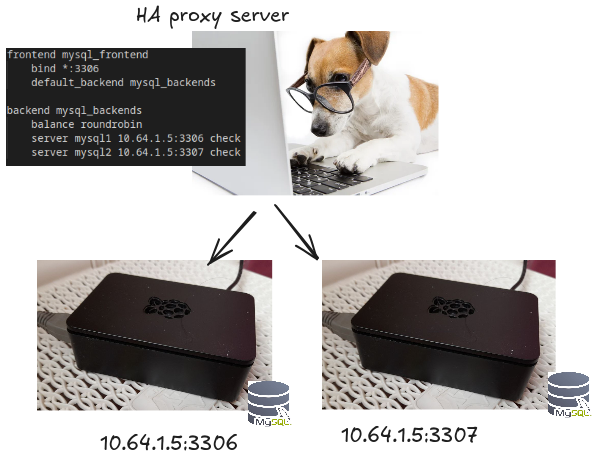
Let me share the diagram of my project and the resources I had at that time.
I used two machines:
10.64.1.10→ My Computer10.64.1.5→ My Raspberry Pi
Setting Up HAProxy
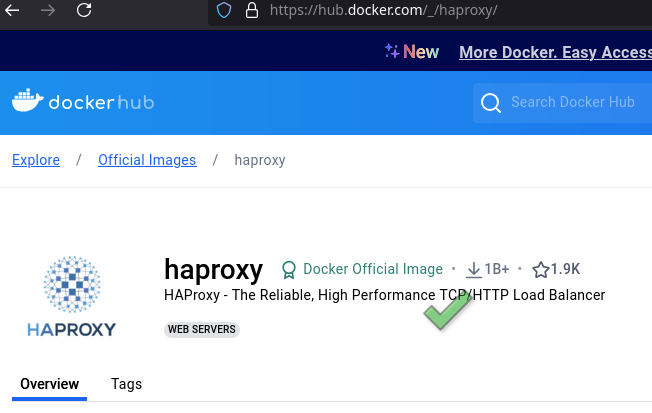
To keep my setup clean, I decided to use a Docker container for HAProxy. Here’s the container link.
I configured the HAProxy server using a file called haproxy.cfg. In this file, I set up the nodes that have my databases. Here’s the main part of the configuration code:
|
|
Setting Up the Two Database Nodes
Again, I used Docker to keep my server clean. I started my Docker containers for the two different databases.

Verifying if They Are Working
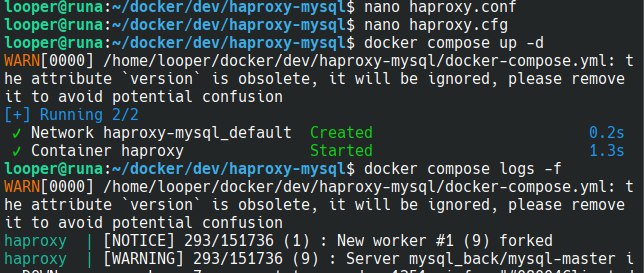
- Check the logs. Everything should look fine with no errors.
- Stop one container. Watch how the logs change.
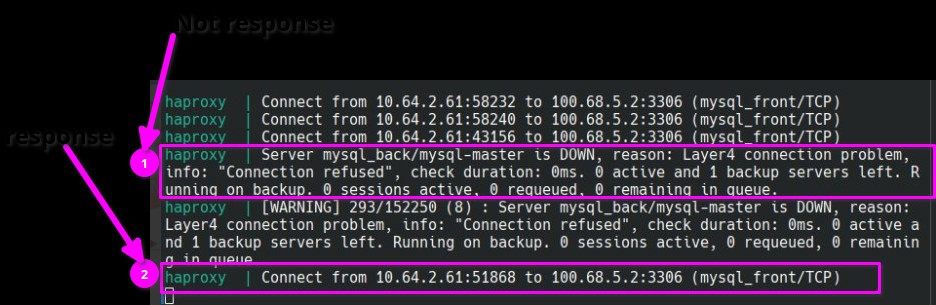
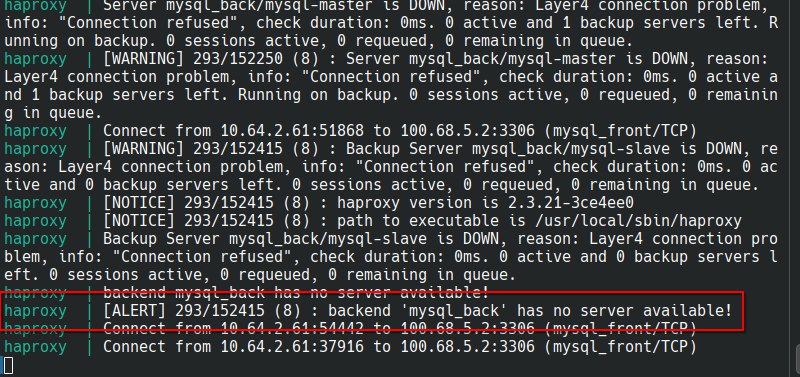
- Stop both containers. Again, observe how the logs change.
What I Learned
- I gained basic knowledge about tcp load balancing for databases.
- I learned the importance of handling database failures.
- This raised another question: how to sync database data.
Off Topic
Don’t forget to take care of your dog! Proper care is essential, whether your dog is male or female. Consider dog neutering.