Hello, friends! Today, I’d like to share what I learned about sel-hosting my new flashcards. I discovered scholarsome. You’re already familiar with Quizizz and how to use it. I was looking for a self-hosted version and discovered Scholarsome, which is an open-source alternative. I’ve given it a try!
0. Introduction
I have to study with flashcards. I need to automate that workflow!

- Have an url in my oclock alarm.
- Click and then redirect to a random set of flashcard.
- Take a breakfast.
1. Diferent hardware💥
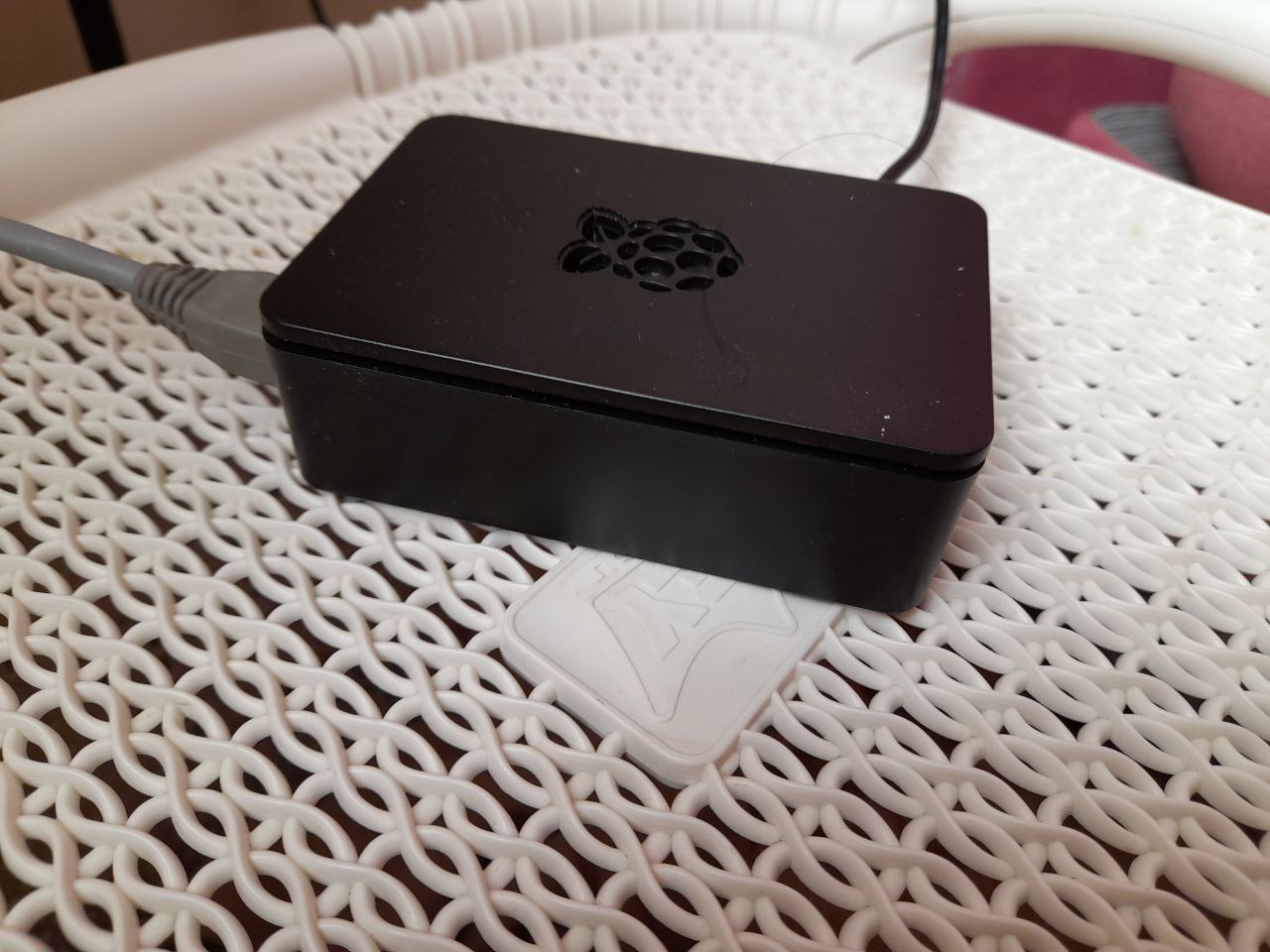
As you know i really love raspberry pi, i want to self-host a study tool, but i don’t want to host in my main computer since that means keeping it powered on all the time. I prefer to selhosted on my raspberry pi. I was excited i use docker, but the configuration file was only setup for x86 hadware. I made a little change.
|
|
Making that change didn’t help: It still wasn’t working. I figure out the official code had some mistakes, so I submitted a pull request PR After that, it worked on my Raspberry Pi. Compiling a new version of the container for ARM architecture was challenging, but I hope Scholarsome can add this feature in the future. I will host my image in docker hub.
2. Learning the basic of flashcards🖊️
There is a very popular type of flashcard called Anki you can create cards in various formats, i found many tutorials . I decided to create my Anki cards using Python, using this library.
pip install genanki
If you want to see code. genanki.py.

3. Editing for Production 🚀
You need to add a secure connection and also decentralize your infraestructure, as it suggest some of these.
a) I didn’t set up s3 , you can use external storage with a Raspberry Pi.
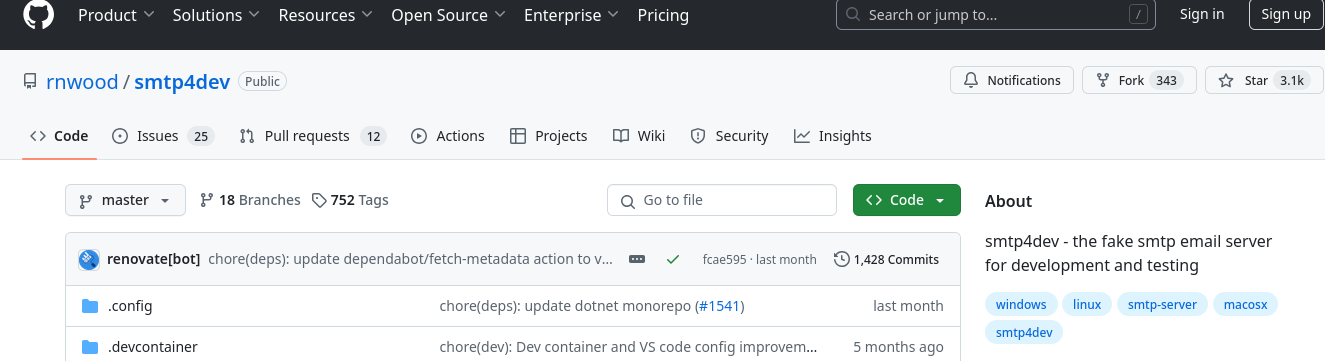
b) I attemped to set up a fake SMTP server, After reading the code , i noticed that the signup process could break, so I chose to avoid modifying others code and use a fake SMTP instead. The other option was to use a paid service, but at this moment, I just want to avoid extra costs. I used smtp4dev.
c) fo secure connection, I created local ertificates SSL keysand encoded in base64, this step can very more advanced. I don’t disagree with scholarsome.
It’s essential to configure my Traefik correctly; it’s quite simple:
|
|
full code it’s here docker.

Something Special: My Clock Alarm Update
I recently made an exciting change to my clock alarm. I added a link that, when clicked, redirectme to random set of cards of Scholarsome. It took me a bit of time to implement this feature, as I was familiar with the backend framework of the Scholarsome but i had limited experience with the frontend framework. After spending several hours on it, I successfully added the functionality to redirect to random sets. It was a rewarding challenge!. The full code is here.
What I Learned
- I learned about monolithic web application structures.
- I started into Angular wordl, even though frontend development isn’t my favorite. My experience is primarily with ReactJS.
- I improve my skills with Traefik through practice.
Off topic ⭐
If you are Bolivian, please take care of our forests. Let’s work together to make our city greener by planting some trees.🌱