- static App + Tunnels…. Recently, I’ve been experimenting with an amazing software called Coolify. You migth be familiar with proxies so am I. There are a wide variety of them. I’ve learned about Traefik, but my localhost requires a different setup. I think setting up a remote server is easier then configuring a local one. I found Cloudflare Tunels to be simple to set up, but I didn’t fully understand the concept.
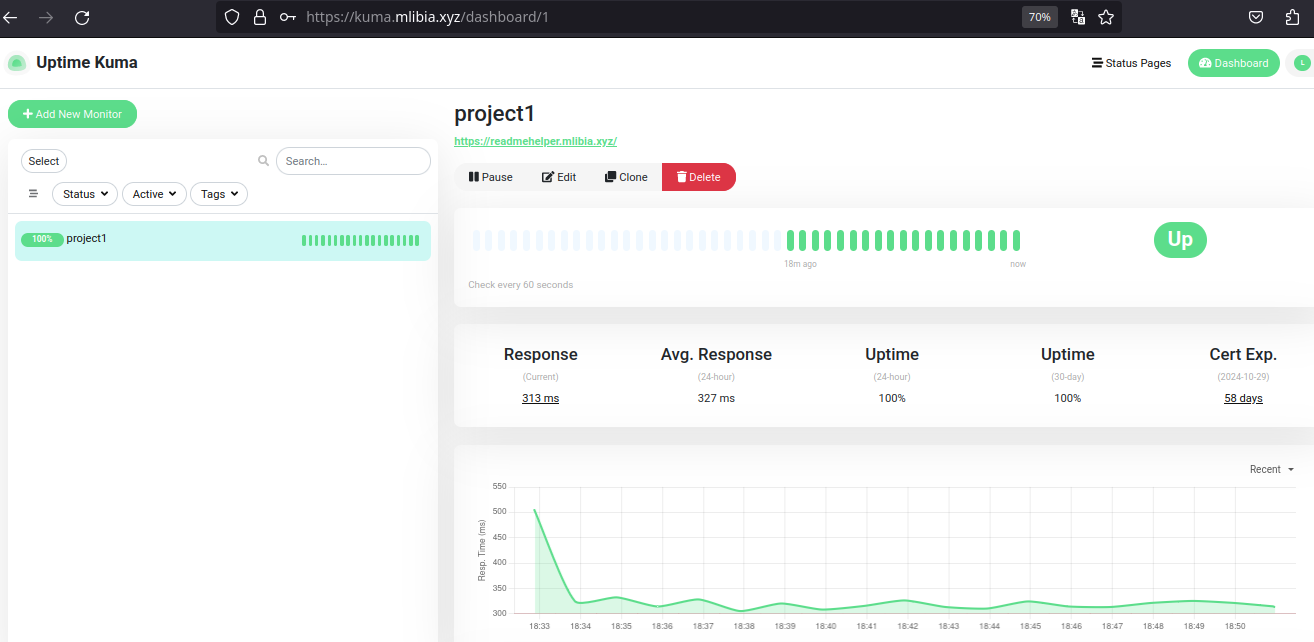
- Understanding with another example To grasp how Cloudflare Tunnels work, I needed more clarity. I found a tutorial for uptime-kuma and followed it, which helped me better understand the setup. I also found this amazing resource awesome-tunneling.
Learning the basic of tuneling ssh
case 1
I have raspberry pi server it’s on my own network. my machine which is the client, this client server has a web page in the 9000. Raspberry: 1.1.1.2 client: 1.1.1.3 webpage: 1.1.1.3:9000
if i want to reach that page from my server machine i could do something like a tunnel.
steps:
- setup a ssh configuration in the raspberry in
/etc/ssh/ssh_config. enabled this 2 properties.
|
|
- connect to the raspberry server:
ssh -R 0.0.0.0:8080:localhost:9000 raspberry@1.1.1.2
It can be quite hellful. I had a database that was not directly accessible, but I could reach it through a dbeader ui, which was very useful.
To address this issue within the DB container, I installed SSH, Since my container was based on alpine, I first installed the openssh client with apk add openssh-client . after that, i established a connection to my remote machine. Keep in mind that i was working within a private network created by tailscale.
I successfully can reach that database using dbeader.
Lastly
offtopic
if you have dogs take care of them.